Essential Computer Skills for Beginners

Learn must-have computer and internet skills, digital safety, productivity tools, and more. Start your journey into technology with this comprehensive, beginner-focused guide for 2025.

033 (1)

Hardware Basics & Setup

Identify monitor, keyboard, mouse, CPU, and essential peripherals
Safe device connection & powering on/off
www.reallygreatsite.com

Operating System Navigation

Windows, macOS, or Linux: Login, open/close apps, use basic settings
Master shortcuts (Ctrl+C, Ctrl+V, etc.)
www.reallygreatsite.com(1)

File & Folder Management

Organize files/folders, save, move, delete, backup to USB/cloud
www.reallygreatsite.com(3)

Essential Software Applications

Word processors, spreadsheets, presentations (Word, Excel, Google Docs/Sheets/Slides)
PDF readers, web browsers
dd

Internet Use & Online Safety

Safe internet searching, website security, privacy practices
Strong password strategies, avoid phishing and scams
net

Email & Digital Communication

Set up email, send/receive, organize inbox
Attachments, spam filters, effective digital etiquette
spam filter symbol

Cloud Basics & Collaboration

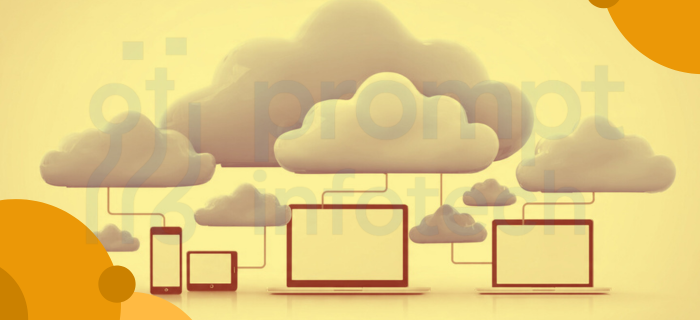
Store/share files (Google Drive, OneDrive)
Real-time teaming (Google Docs, Teams, Slack)
cloud

Connecting & Troubleshooting Devices

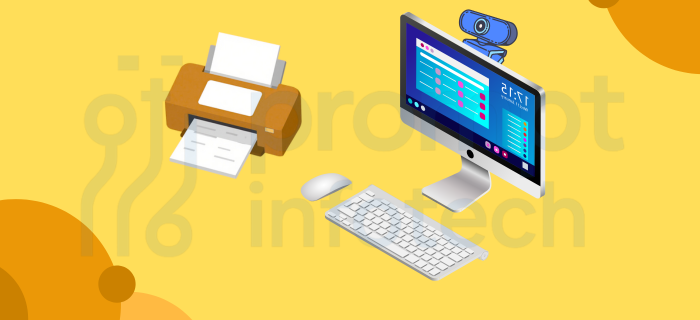
Printers, webcams, monitors: Easy setup and problem-solving basics
desktop set

Lifelong Learning in Digital Skills

Online courses, YouTube tutorials, tech forums, Udemy
tutorial

What You’ll Achieve

Develop skills needed for modern jobs, productivity, and safety online.

Flexible & Practical

Learn at your pace—suitable for all ages with step-by-step guidance.

Certification Path

Prepare for certifications or upskilling in advanced computer applications.

Leave a Comment

Your email address will not be published. Required fields are marked *

Scroll to Top